
How to install GitHub's, NetBeans's and Sublime2's syntax highlighting code colours theme in PHPStorm 6/7
PHPStorm’s default code colouring might not be what you want, especially when you just switched from NetBeans. But there are some excellent alternatives to the grey-green-black sheme, collected on http://www.phpstorm-themes.com.
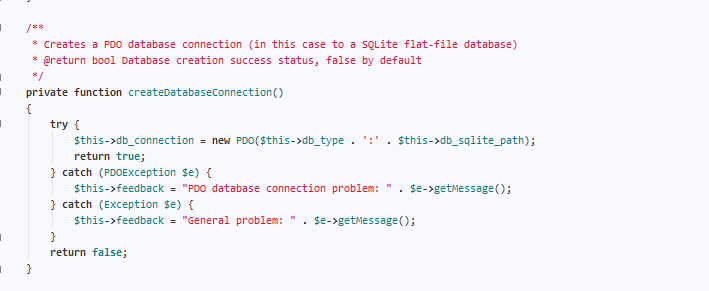
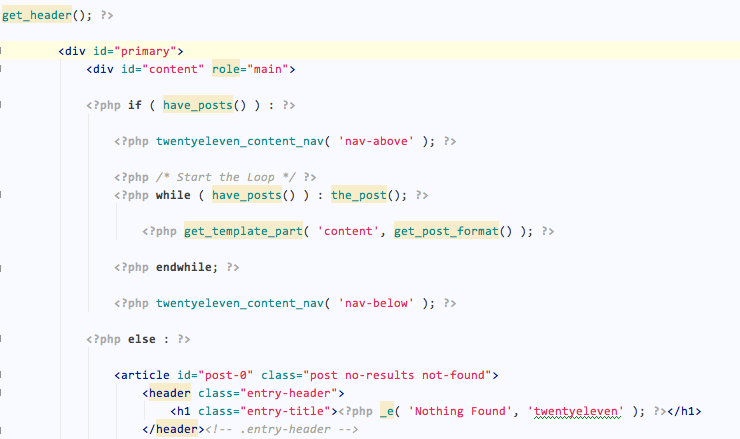
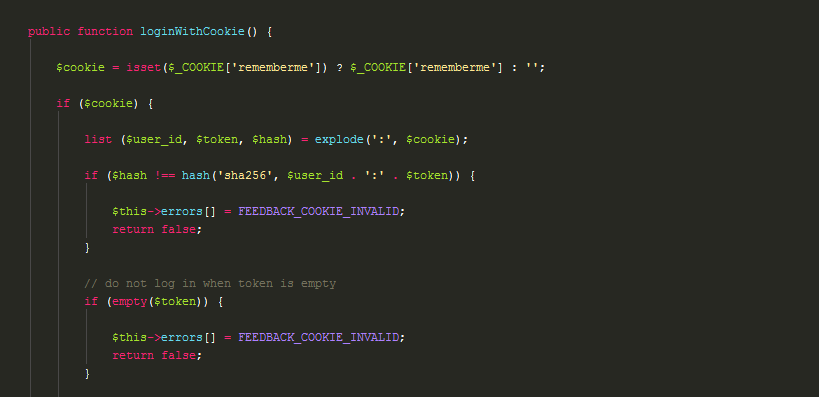
The GitHub theme
I really love it! Get it onhttp://www.phpstorm-themes.com/theme/git-hub or in the according GitHub repo: https://github.com/miraage/phpstorm-theme.
The NetBeans theme
Get it on http://www.phpstorm-themes.com/theme/netbeans-7.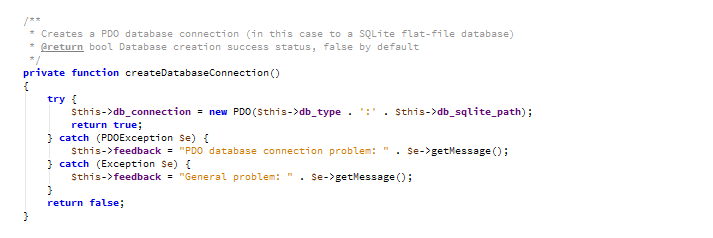
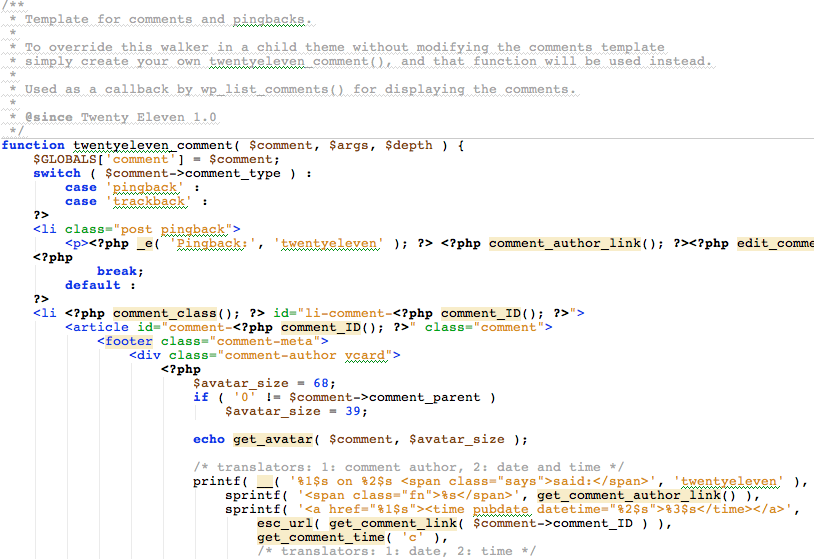
The Sublime2 theme
The “bright colours” theme can be found here: https://github.com/OtaK/jetbrains-monokai-sublime. a version with more decent colours here: http://edvanbeinum.com/monokai-dark-theme-for-phpstorm.
How to install
If theme is a .xml file: Find a nice install guideline here: http://www.phpstorm-themes.com/content/help ! But watch out: Your paths are different, as you are probably using PHPStorm, not WebStorm. If theme is a .jar file: Go to File -> Import Settings and locate the .jar file. In the dialog box select “Colour theme” and click okay. Done! You can always change / select the currently active theme in Settings -> IDE Settings -> Editor -> Colours & Fonts.